Examples
Pins it makes
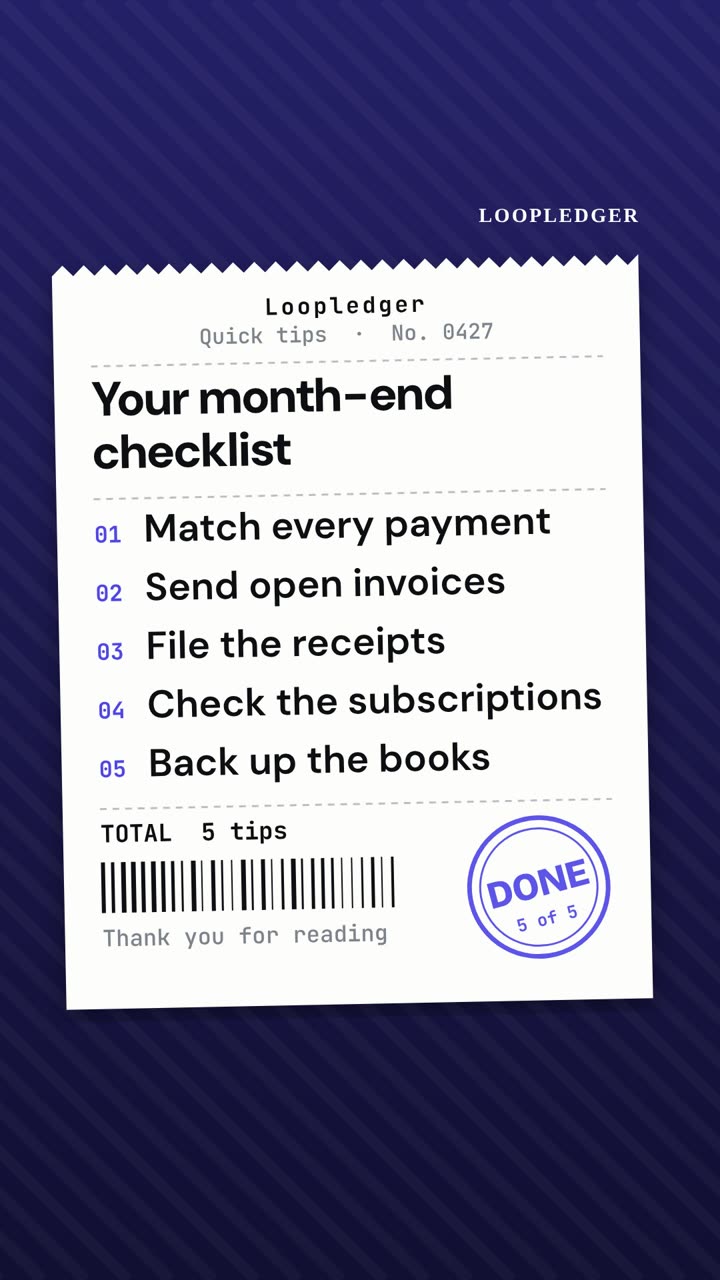
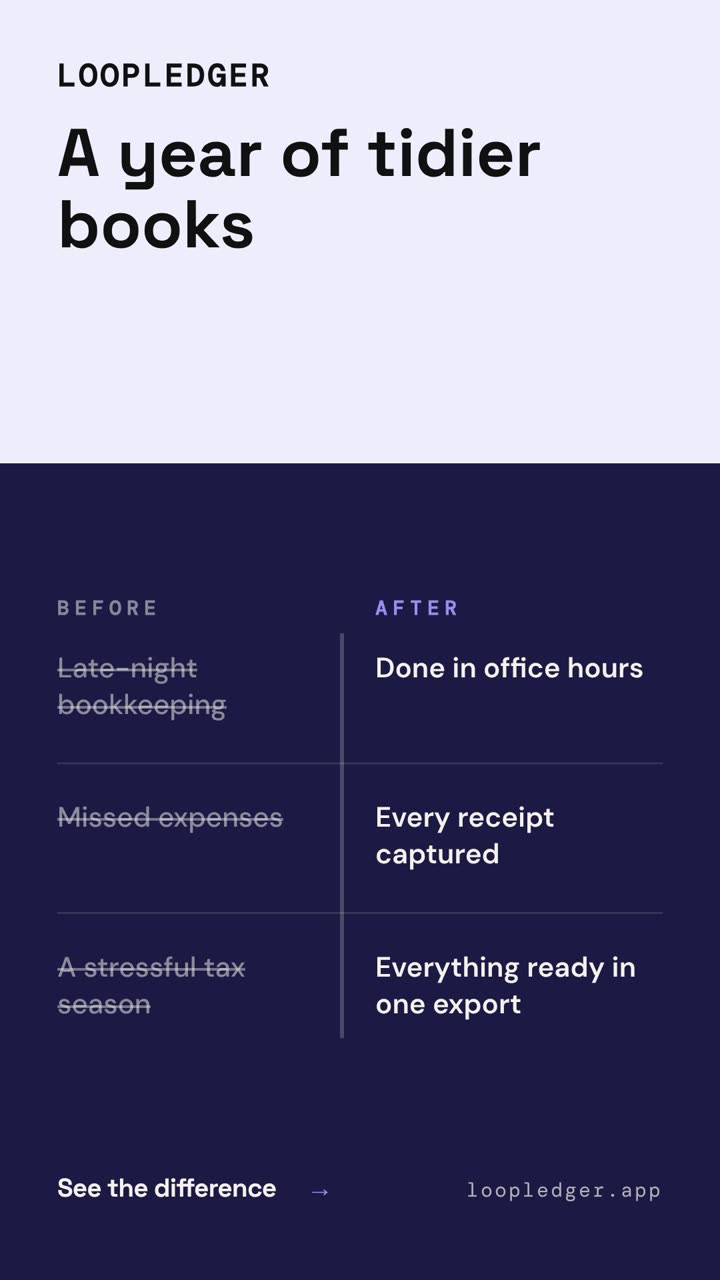
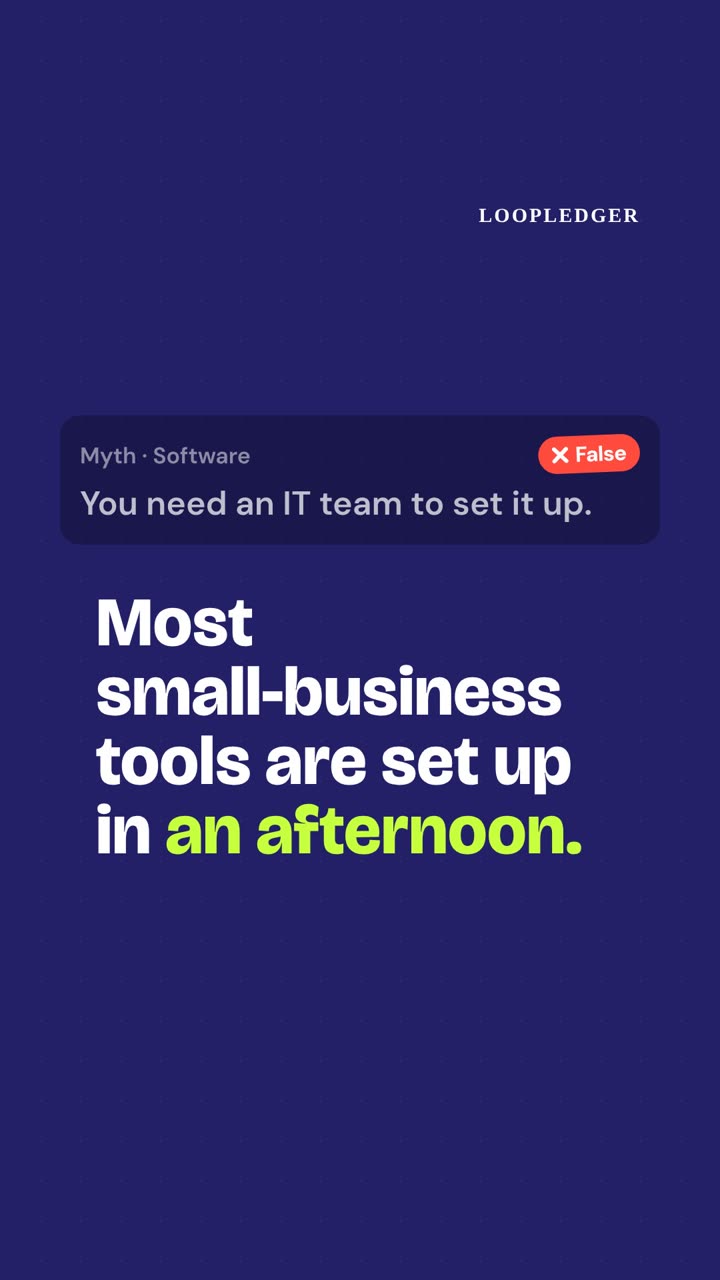
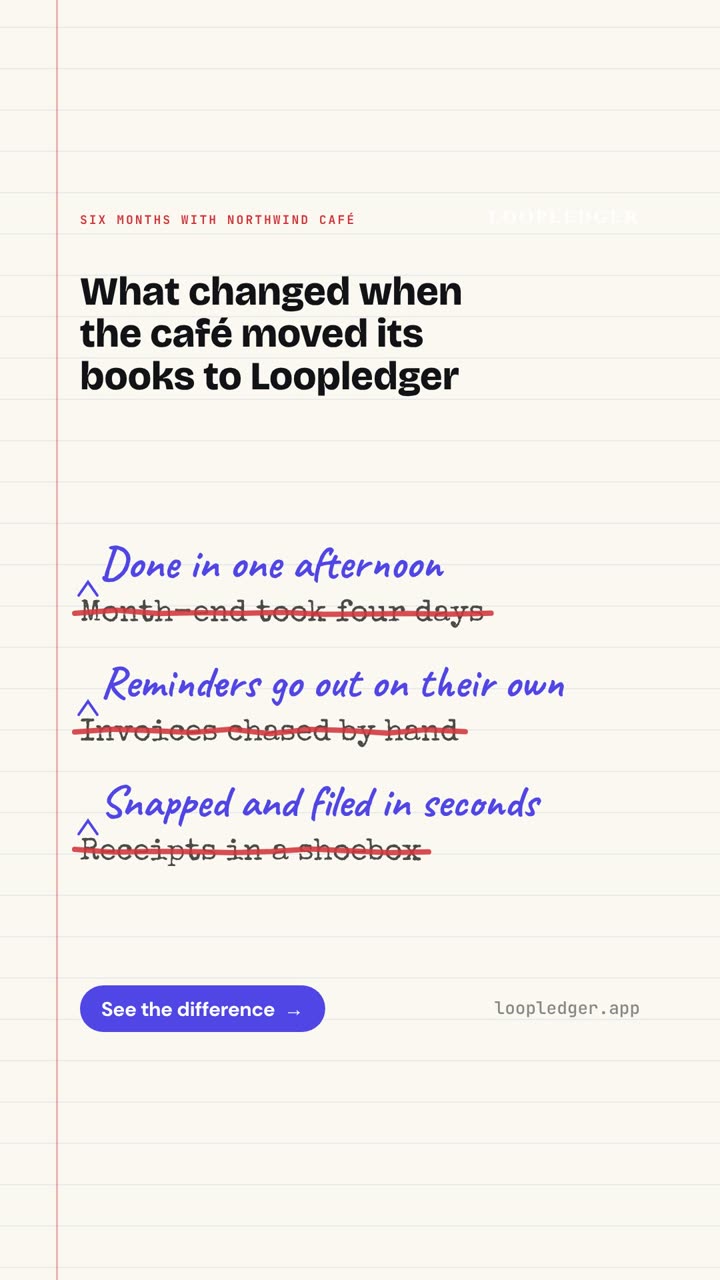
Animated designs that work as pins, shown for a made-up brand. Yours use your colours, logo and words.
Pinterest sends traffic for months, but only if you pin steadily. Frekto designs pins in your brand, writes the title and description, and posts them to your boards with a link back to your site.
Animated designs that work as pins, shown for a made-up brand. Yours use your colours, logo and words.
Connect Pinterest, then pick the board for each pin.
A single designed pin with a title and description written for search.
Several images in one pin for steps, lists and collections.
Animated posts published as video pins, which stand out in the feed.
Each pin links back to your website, so a saved pin keeps sending visitors.
About five minutes to set up. Then it keeps going.
Frekto reads your name, colours, fonts, tone and what you sell. That brand is used for every post, so you never write a brief.
It writes the caption and designs an animated post in your brand, sized for the network. Change anything you like, or just approve it.
Posts go out at times that suit your industry. Turn on Daily and a fresh one goes out every day, with a review email 2 hours before each.
Pinterest is a search engine as much as a social network. People save pins to plan, then click through weeks later. That only works if your boards keep getting fresh pins with clear titles, and most small businesses stop after the first ten.
Frekto makes the pins for you. It reads your website once, then turns your tips, guides, products and before-and-afters into pins in your colours and fonts, with a title and description that say what the pin is about. Animated posts can go out as video pins.
Then it schedules them to the boards you choose, with a link back to your site. Frekto shows the stats for each pin it published, so you can see which ones people save.
| What you need | Frekto | Scheduling tools | Pinterest’s own scheduler |
|---|---|---|---|
| Schedules pins ahead | ✓ | ✓ | ✓ |
| Image and video pins | ✓ | ✓ | ✓ |
| Writes the title and description | ✓ | From your prompt | ✕ |
| Designs the pin in your colours and fonts | ✓ | ✕ | ✕ |
| Links each pin back to your site | ✓ | ✓ | ✓ |
| Posts fresh pins every day on its own | ✓ | ✕ | ✕ |
| Instagram, LinkedIn and more from the same place | ✓ | ✓ | ✕ |
“Scheduling tools” means schedulers like Buffer or Later, which publish posts you’ve already made; some add an AI writing assistant. Features change over time, so check each tool’s site.
Frekto also posts to Telegram and Bluesky.
Schedule Instagram posts, carousels, Reels and Stories.
Schedule LinkedIn posts, videos and document carousels to your profile or company Page.
Auto post to your Facebook Page: photos, videos, Reels and Stories.
Schedule YouTube Shorts with titles and tags picked from what people search.
Try the AI post generator and more, no sign-up needed.
Brand memory, Daily autopilot, animated templates and more.
Yes. Connect Pinterest and choose the board for each pin. Your boards are listed when you schedule.
Yes. Animated posts can be published as video pins, and you can also post image pins and multi-image pins.
Yes. Each pin links back to your site. If Pinterest won’t accept a link for some reason, the pin is still posted without it.
Yes. Frekto shows the stats for each pin it published to Pinterest.
One plan: $29 a month at the launch price (or $290 a year) for 100 posts a month across up to 10 social accounts. Start with a 7-day free trial, 20 posts, no card.
Yes. Send one post to Pinterest, Instagram, Facebook and your other connected accounts together. It counts as one post.
No card. No commitment. Your first 7 days, up to 20 posts, are free.