Examples
Posts it makes for LinkedIn
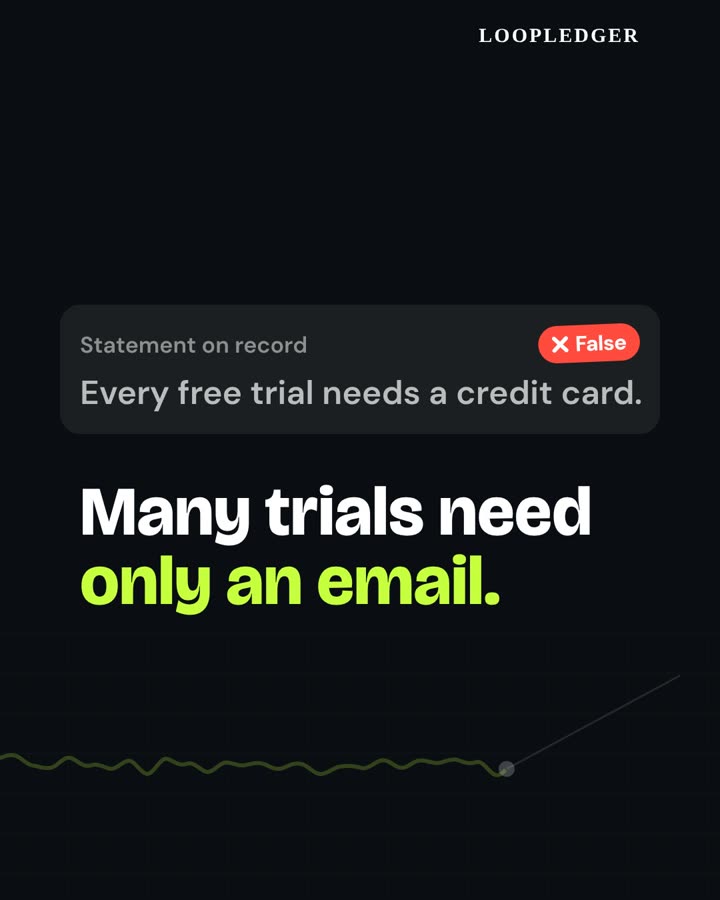
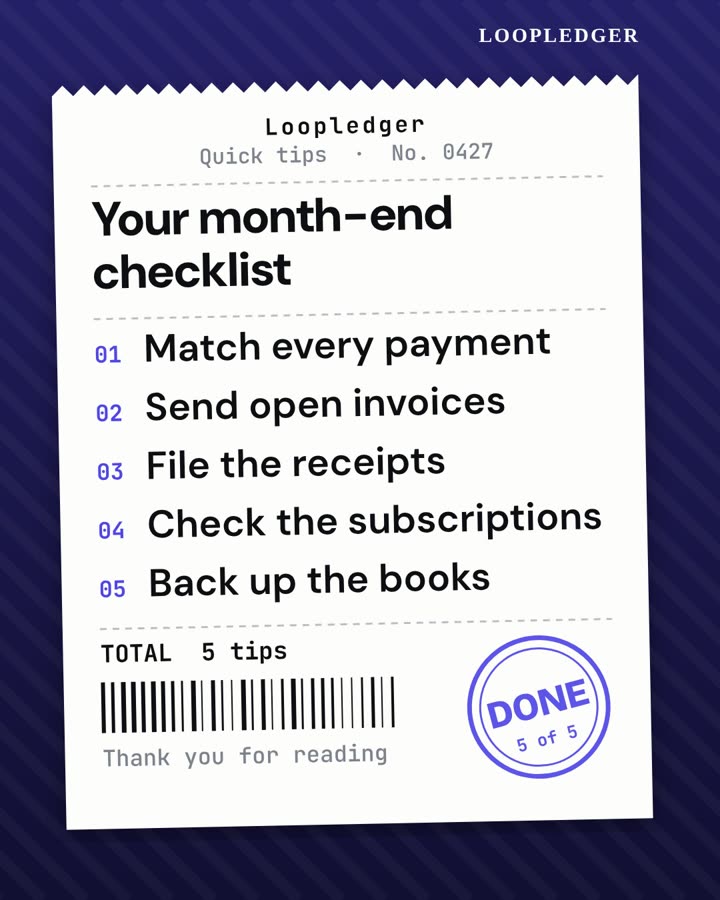
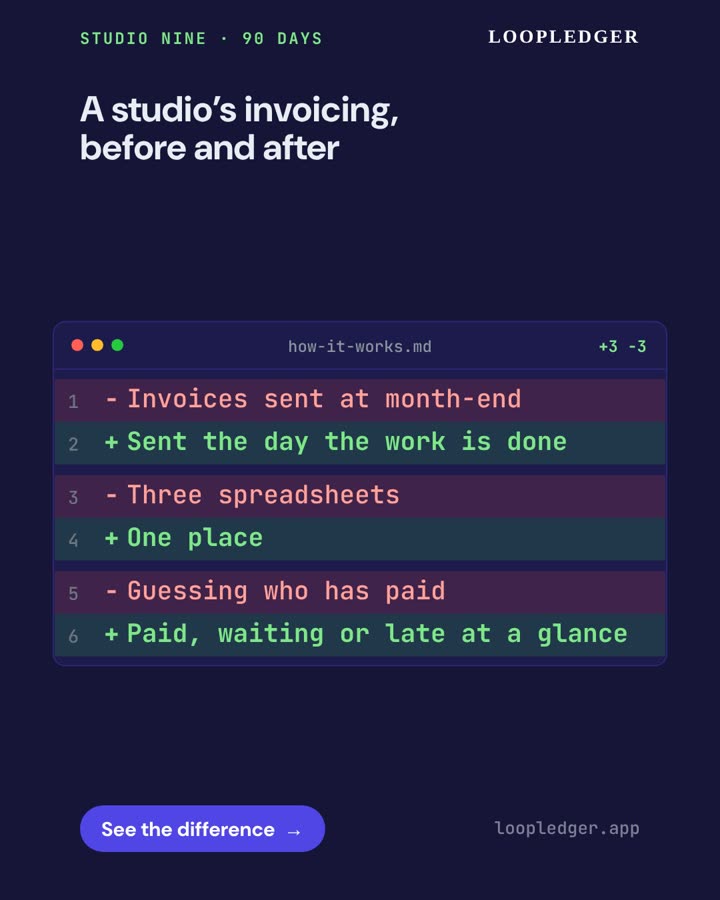
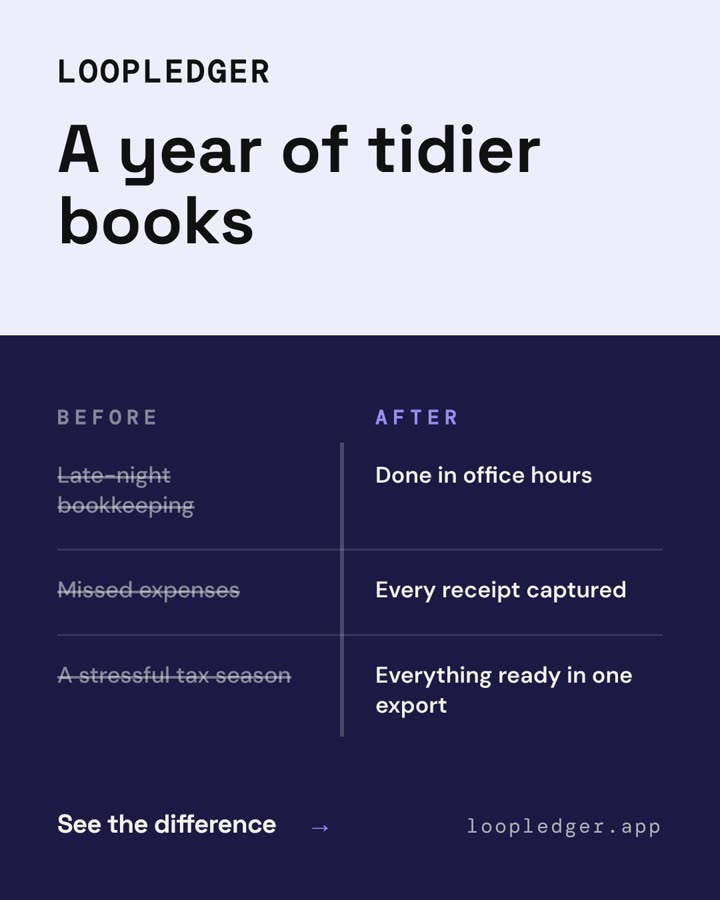
Designs that suit LinkedIn: tips, myths, before and after. Shown for a made-up brand.
Schedule posts to your own profile or your company Page. Frekto writes each post in your voice, designs it in your brand, and posts it at a good time. You approve it, or let it run.
Designs that suit LinkedIn: tips, myths, before and after. Shown for a made-up brand.
Connect your LinkedIn profile, your company Pages, or both.
Posts as you, for founders and team members building their name.
Posts as your business, to any Page you manage.
Multi-slide posts published as a swipeable document, the format LinkedIn readers page through.
Animated posts as video, single images, and posts that share a link to your site or article.
About five minutes to set up. Then it keeps going.
Frekto reads your name, colours, fonts, tone and what you sell. That brand is used for every post, so you never write a brief.
It writes the caption and designs an animated post in your brand, sized for the network. Change anything you like, or just approve it.
Posts go out at times that suit your industry. Turn on Daily and a fresh one goes out every day, with a review email 2 hours before each.
On LinkedIn the words do the work. A scheduler gets the post out on Tuesday morning, but someone still has to write something worth reading, and most busy founders and small teams don’t, so the Page goes quiet for weeks.
Frekto writes it. It reads your website once, so every post knows what you sell and who you sell to. It turns a tip, a common mistake, a lesson or a product update into a post in your voice, with a design in your colours that stops the scroll. Swipeable document carousels come straight from multi-slide posts.
Then it schedules them to your profile, your company Page or both. Release notes can become LinkedIn posts too: connect your GitHub or changelog and each release turns into a post.
| What you need | Frekto | Scheduling tools | LinkedIn’s own scheduler |
|---|---|---|---|
| Schedules posts ahead | ✓ | ✓ | ✓ |
| Profile and company Pages | ✓ | ✓ | ✓ |
| Document carousels | ✓ | Some do | ✓ |
| Writes the post in your voice | ✓ | From your prompt | ✕ |
| Designs the image or video in your brand | ✓ | ✕ | ✕ |
| Turns your releases into posts | ✓ | ✕ | ✕ |
| Instagram, Facebook and more from the same place | ✓ | ✓ | ✕ |
“Scheduling tools” means schedulers like Buffer or Later, which publish posts you’ve already made; some add an AI writing assistant. Features change over time, so check each tool’s site.
Frekto also posts to Telegram and Bluesky.
Schedule Instagram posts, carousels, Reels and Stories.
Auto post to your Facebook Page: photos, videos, Reels and Stories.
Schedule Pinterest pins to your boards: image pins, multi-image pins and video pins, linked to your site.
Schedule YouTube Shorts with titles and tags picked from what people search.
Try the AI post generator and more, no sign-up needed.
Brand memory, Daily autopilot, animated templates and more.
Yes. Connect LinkedIn and pick your personal profile, any company Page you manage, or both. Each scheduled post can go to one or several of them.
Yes. Multi-slide posts are published to LinkedIn as a swipeable document, which is how carousels work on LinkedIn.
Frekto does, from your website and brand: it knows what you sell and who you sell to. You can edit every word before it goes out.
Yes. Connect your GitHub repo or changelog feed and each release becomes a post. You can also try it free with the changelog to LinkedIn post generator, no sign-up needed.
One plan: $29 a month at the launch price (or $290 a year) for 100 posts a month across up to 10 social accounts. Start with a 7-day free trial, 20 posts, no card.
Yes. Send one post to LinkedIn, Instagram, Facebook and your other connected accounts together. It counts as one post.
No card. No commitment. Your first 7 days, up to 20 posts, are free.