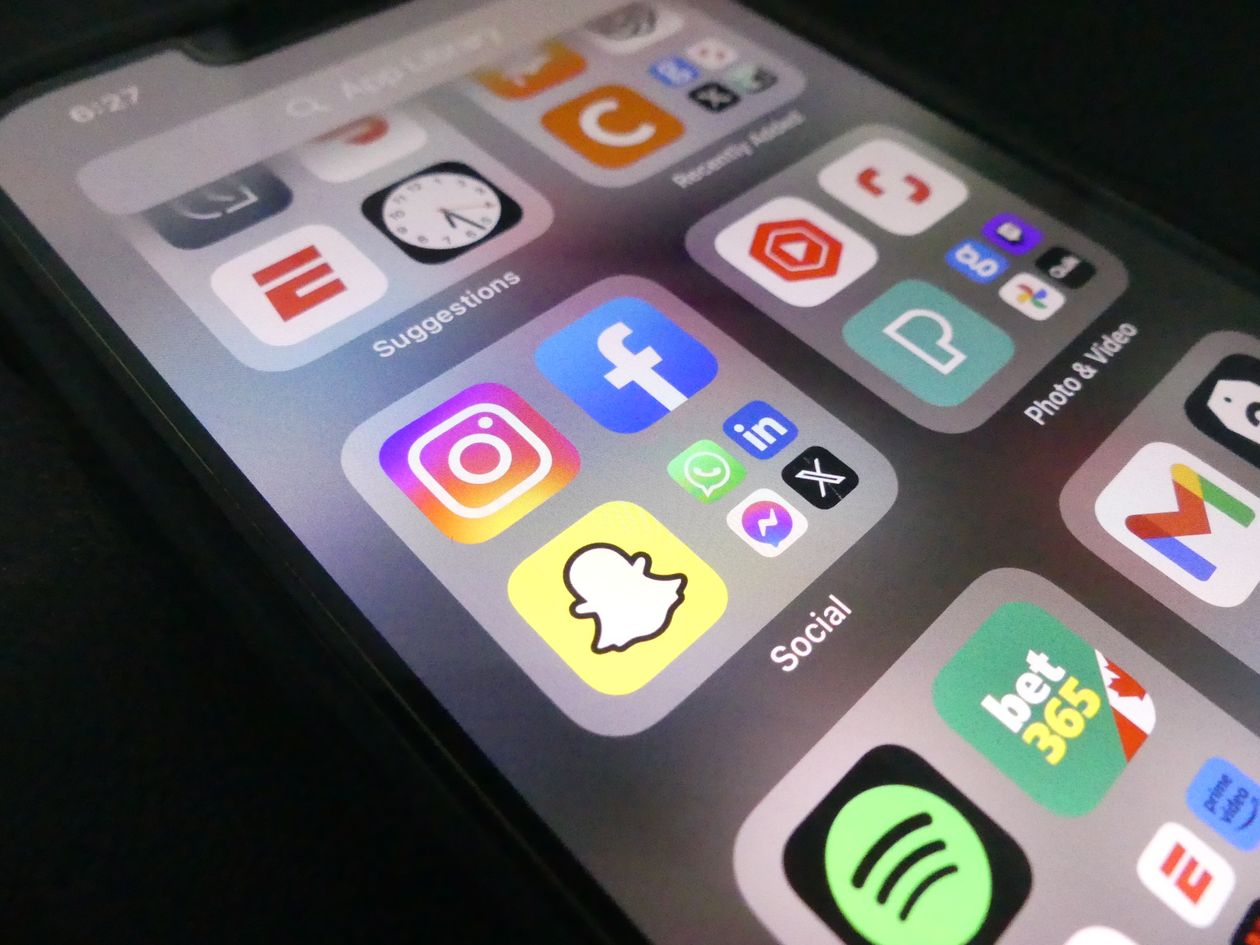
A reader named Priyanka emailed us the same week she'd searched "apps that auto-post to social media" and come away more confused than when she started. Forty-something results, most of them "best of" roundups listing the same eight tools in a different order, none of them explaining what "auto-post" actually meant in each case. She just wanted to know: which of these will actually save me time, and which ones are just a fancier publish button.
That's the real question, and it has a clear answer once you split "auto-posting apps" into the three categories they actually fall into. They are not interchangeable, and picking the wrong category for your situation is the most common reason people try one, feel underwhelmed, and give up on automation entirely.
Category one: native platform schedulers
Every major platform now has its own built-in scheduler: Meta Business Suite for Instagram and Facebook, LinkedIn's native "Schedule" button, Pinterest's scheduled Pins. These are free, official, and require no third-party access to your account.
Their limitation is that each lives inside its own platform. There's no shared calendar across Instagram, LinkedIn and Pinterest at once, so managing more than one platform means logging into each one separately. Fine for a single-channel business. A genuine chore once you're active on three or more.
Category two: dedicated scheduling apps
This is the category most "apps that auto-post" lists are really about: Buffer, Hootsuite, Later, Sprout Social. These connect to multiple platforms at once and give you one shared content calendar, queue, and publish schedule, which is a real and useful upgrade over juggling native tools separately.
What they don't do is write or design anything. You upload a caption you've already written and an image you've already made, and the app publishes it on schedule. The "auto" in auto-post refers entirely to the publishing step, not the content itself. Our full comparison covers how the major players in this category differ from each other.

Category three: AI tools that create and post
This is the newest category, and it's the one Frekto sits in. Instead of waiting for you to hand it a finished caption and image, an AI content tool reads your brand once, then generates the caption and the visual itself, ready to review and schedule from the same place. The scheduling step is identical to category two. The difference is there's no blank page in between deciding to post and having something to post.
Whether this category is worth it depends entirely on what's actually slowing you down. If writing and designing already happens fast for you and the bottleneck really is hitting publish on time, a category two scheduler solves that cleanly and often for free. If the real bottleneck is staring at a blank caption box, category two won't fix it, because it was never built to.
See how Frekto compares directly
Frekto writes the caption, designs the visual, and schedules it, one tool instead of a content step and a scheduling step stitched together.
See the full comparisonWant the head-to-head detail? We've written up Frekto vs Buffer, Frekto vs Hootsuite and Frekto vs FeedHive so you can see where each one fits.
The mistake most people make picking one
Most "best apps that auto-post" searches end with someone picking whatever ranked first, trying it for a week, and quietly abandoning it because it didn't fix the problem they actually had. Usually what happened is they installed a category two scheduler expecting it to solve a category three problem: they were hoping it would help them figure out what to post, and instead it just gave them a nicer place to paste in captions they still had to write themselves.
The fix isn't a better tool in the same category, it's the right category. A free trial spent on the wrong kind of app feels like automation didn't work. Usually it worked exactly as designed, it was just never built to solve the problem you had.
If Instagram is your main channel, read how to automate Instagram posts without losing your brand voice first. Managing several brands? This guide to AI tools for agencies managing multiple clients covers what changes.
How to actually choose
Answer three questions before picking anything. How many platforms do you actually post to regularly, one platform points you toward native scheduling, three or more toward a shared calendar tool. Is your bottleneck the publishing step or the creating step, publishing points to category two, creating points to category three. And how much hands-on control do you want over every caption, some owners want to approve every word, others are happy with an AI first draft they lightly edit.
There's no universally "best" app here, only a best fit for what's actually costing you time. Priyanka's bottleneck turned out to be the blank page, not the publish button, so a scheduler alone was never going to fix what she was struggling with.
Once you've picked a category, the next practical question is what to actually do with the automation you've set up. Our guide on automating posts for free walks through a real free setup, whichever category you land on.